Stop Guessing on Labor. Start Planning with Your Model Data.
Evolve Team
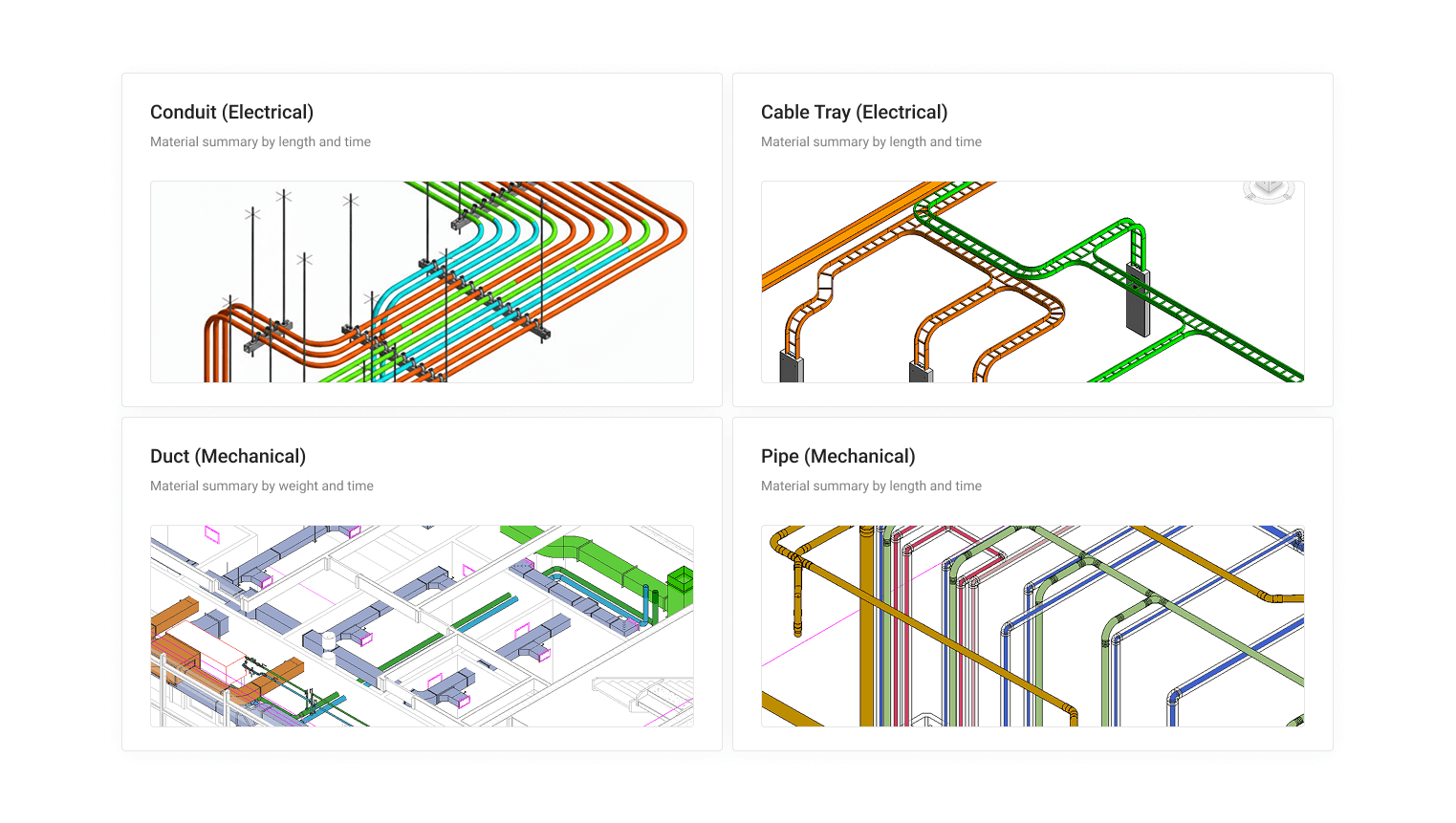
Your teams are modeling conduit runs, coordinating with other trades, and building out detailed scope, but when it comes time to answer the question “How many labor hours do we need next month?”, most directors are still leaning on gut instinct and spreadsheet math.
That gap between what’s in the model and what ends up in the schedule is exactly where projects start bleeding money.
Closing the Data Gap
Material Analytics, part of the EVOLVE Professional package, closes that gap. The feature automatically captures quantity data—like total feet of conduit or weld inches by material—and surfaces it in a live web dashboard built for project managers and ops leaders.
No manual exports.
No waiting for the foreman to walk the job.
No data silos.
Once your rules are active and the project syncs, the first sync of the day captures and sends the data automatically. This eliminates the ‘data lag’ that usually plagues project meetings. As Jason Earl, Senior Product Manager at EVOLVE, puts it:
“Material Analytics moves model data out of the BIM silo and into the decisions that drive labor, prefab, schedule, and project performance.”
The Business Case: Real-Time Visibility
Take weld inches or conduit runs as an example: If your analytics dashboard shows a massive concentration of work on Levels 2 and 3 in the next four weeks, your ops team can forecast headcount, flag schedule risk early, and adjust prefab output before it becomes a problem in the field.
That kind of forward-looking visibility used to require a senior PM manually combing through model data. Now it’s a chart your whole leadership team can review in a Monday morning meeting.
Built for Scale
To help you manage multiple active projects simultaneously, EVOLVE Professional adds:
VDC Insights: Access a year of historical reporting to track trends across projects over time.
Granular Controls: Roles and Permissions settings let you manage exactly who can load, edit, and configure project settings in Revit.
The Bottom Line
If your team is already modeling in Revit and you’re not using that data to drive planning, you’re leaving value on the table for every single project. The model already knows how much material is there. Now it’s time to let it tell you what that means for your labor, your schedule, and your bottom line.
Want to see Material Analytics in action?
Reach out to our team for a walkthrough tailored to your project workflow.